Save any ad while you scroll.
One button on every ad you see. It lands in your swipe file with the media, copy and source link.
Get notified
Lands in your swipe file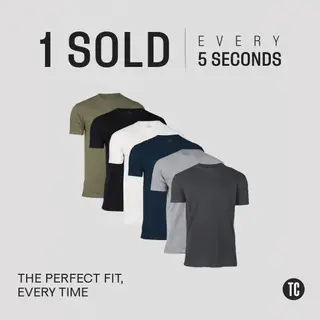 True ClassicSaved to Favourites
- The image or video
- The ad copy
- A link to the source
Three steps. Then it's one click.
It works where you already look at ads.
1
Install
Add it to Chrome and sign in once.
2
Scroll
A Save button appears on every ad you see.
3
Save
The media, copy and source link land in your swipe file, ready to make your version.
Planned for
- Meta Ad Library
- TikTok Creative Center
- YouTube
- LinkedIn Ad Library
Private by design. The extension only acts when you click Save. It never reads your feed, messages or logins.
Be first to get it.
We'll send one email when it's ready to install.